 BodyEntry · for iPhone and Mac
Your weight,
without the noise.
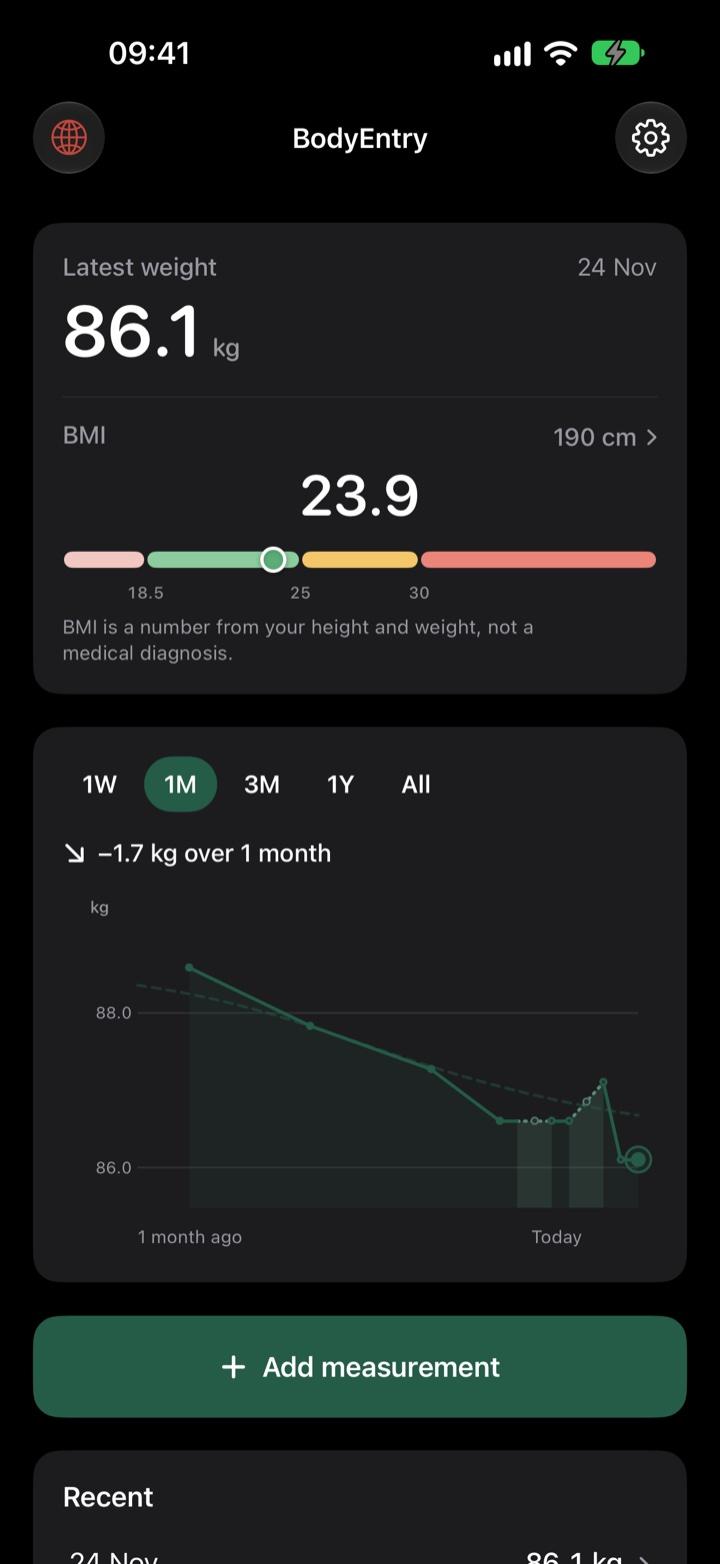
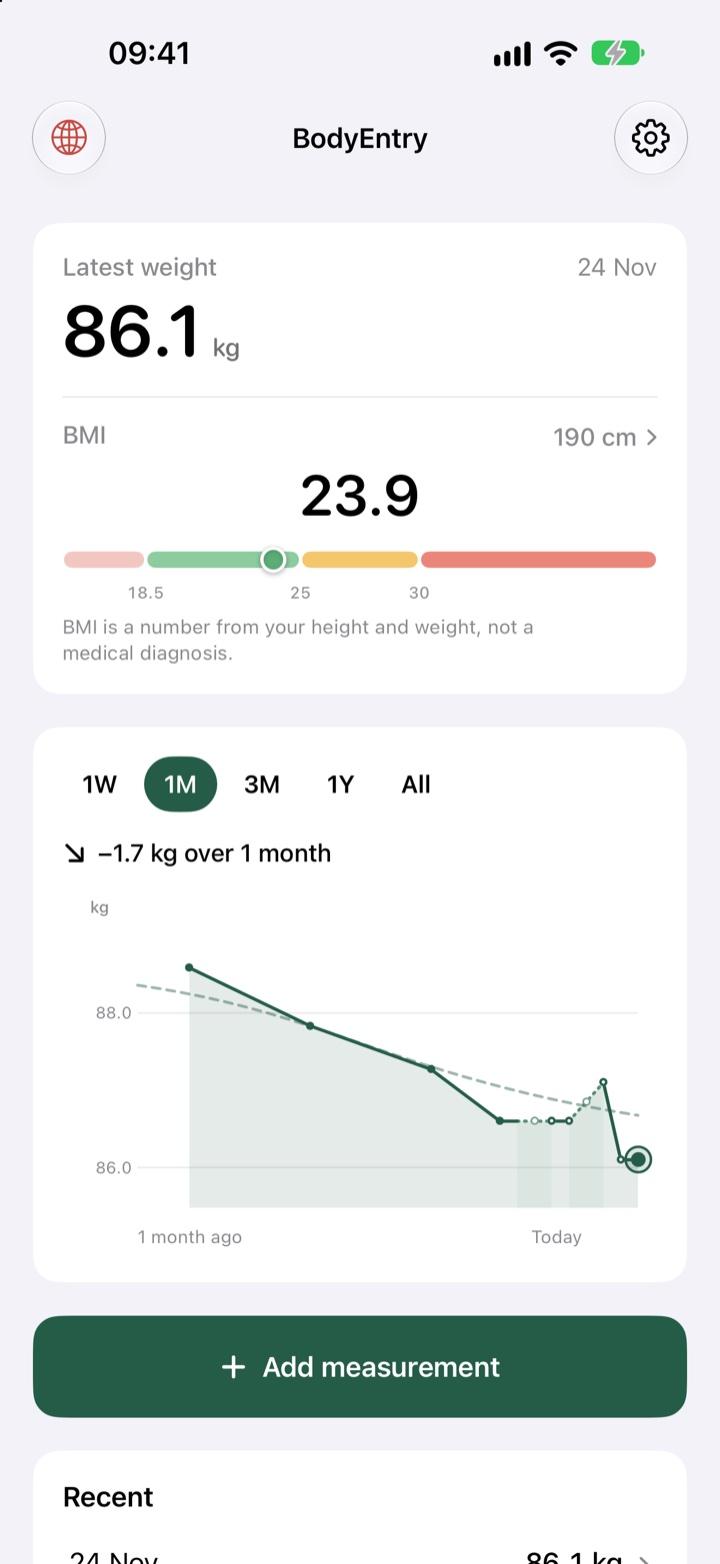
Weigh in on your iPhone, glance at your Mac: it is the same log everywhere. BodyEntry shows the trend underneath the daily ups and downs, so one salty dinner never looks like a setback again.
01 · Sync
One log. Every device. The same number.
This is why BodyEntry exists. You step on the scale in the morning and log it on your iPhone. Later you open your Mac and the same weight, the same trend and the same notes are already there.
BodyEntry runs its own sync service, operated by IT-Minded. Your measurements and notes are stored in the EU, not in iCloud and not with Apple. A measurement from the widget or Siri reaches your other devices the same way.
Sign in with Apple is only the key: it proves the devices belong to the same person, without a second password and without sharing your name or email address with BodyEntry.
- iPhone and Mac, the same history
- Stored in the EU by BodyEntry, not by Apple
- Works offline, syncs when you are back
- No name or email address needed
02 · The trend
See where you are heading, not where you were this morning.
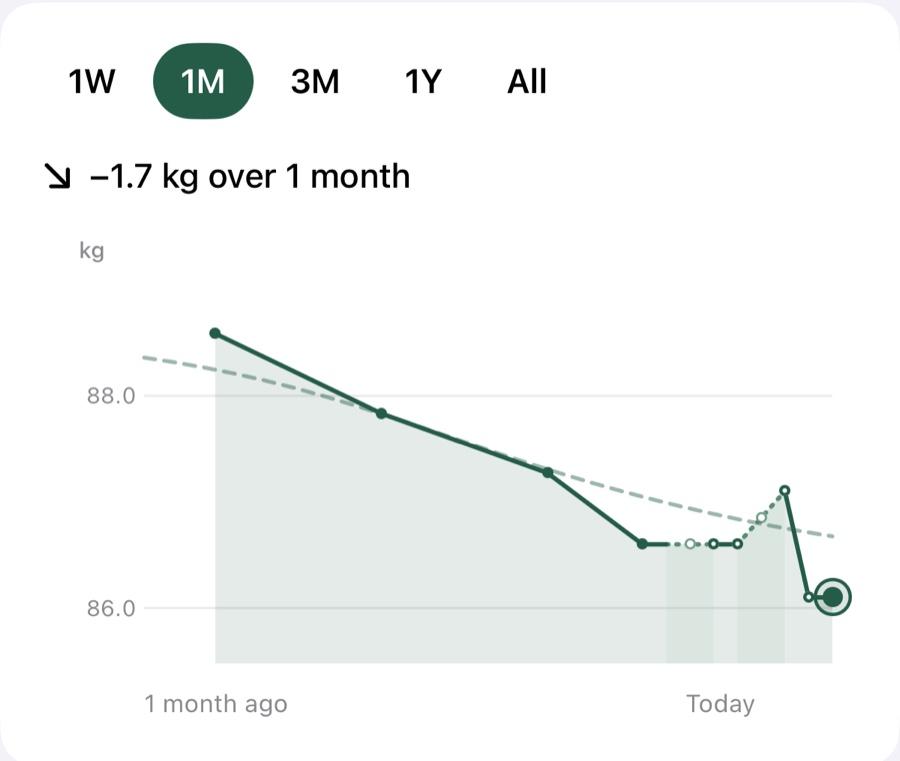
Every dot is a day you logged. The dashed line is a smoothed trend that weighs the last weeks together, so water, salt and a late meal fade into the background.
Switch between a week, a month, three months, a year or everything you ever logged.
03 · The numbers
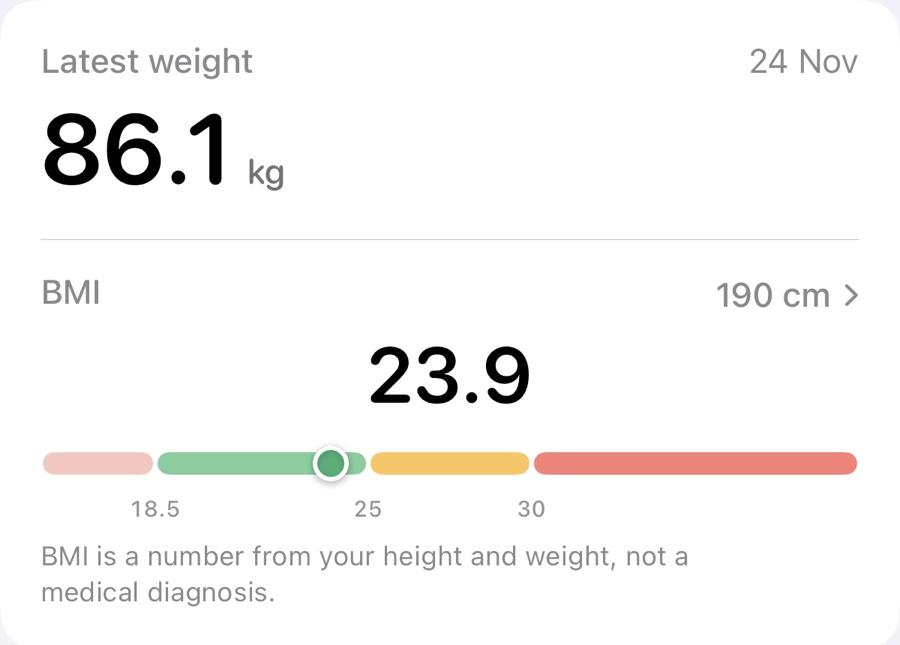
Today’s weight and BMI, at a glance.
Enter your height once and BodyEntry shows where your BMI sits on the scale. Plainly, without judgement, and without pretending to be a diagnosis.
04 · Everywhere you are
Small touches that make it a habit.
Widget
Log from the home screen without opening the app.
Siri and Shortcuts
“Log my weight in BodyEntry” works hands-free.
Mac menu bar
Your latest weight and trend one click away.
Reminders
A gentle daily nudge at the time you choose.
Tags and notes
Mark a holiday, a dinner out, or a bad night.
kg or lb
Pick your unit. Switch any time.
05 · Privacy
Your log is yours.
On your device first
Everything works without an account. Measurements, notes and height stay on your iPhone or Mac.
Sync only if you want it
Turn on sync and BodyEntry stores a copy in the EU with its own sync service. You sign in with Apple, so no name and no email address.
Gone when you say so
Delete your account in the app and the synced copy is removed immediately.
Support
Questions
Something not working, or a question about your data? Mail contact@itminded.company.
Do I need an account?
No. BodyEntry works fully on your device. Sign in with Apple only if you want your log on more than one device; BodyEntry then syncs it through its own sync service, with your data stored in the EU.
Where is my data stored?
On your iPhone or Mac. With sync turned on, a copy is kept by BodyEntry’s own sync service, operated by IT-Minded and stored in the EU. Apple does not store your measurements; Sign in with Apple is only used to sign in. BodyEntry never asks for your name or email address.
How do I delete my data?
Open Settings in BodyEntry and choose Delete account. That removes your synced data at once and revokes the app’s access to your Apple ID.
Does BodyEntry give health advice?
No. It is a log, not a medical device. A rise or fall on the chart is a change in your numbers, not a statement about your health.